
Website access and assistance
Updated October 26, 2026. Tire Dash Mobile Tire Shop aims to make its Greater St. Louis service information usable by visitors who are blind, have low vision or navigate without a mouse. This page describes available access options and ways to report barriers. It does not claim a certified accessibility standard, a completed professional audit or compatibility with every assistive technology and browser combination.
For help understanding service information or completing a request, call 314-301-8777 or email info@tiredashmobiletireshop.com. Describe the page and what prevented access; do not include passwords or unrelated sensitive information. If you cannot use an online control, ask about another way to discuss the service. Assistance timing and language availability must be confirmed with the business rather than assumed from this notice.
Blind visitors and keyboard navigation
The website uses page headings, named navigation areas, labeled contact controls and a single main-content area. A Skip to main content link is available at the start of keyboard navigation. Activate it to move past shared navigation to the current page. Keyboard users can move between interactive controls, expand question-and-answer disclosures and use the navigation menu without depending on a pointer hover.
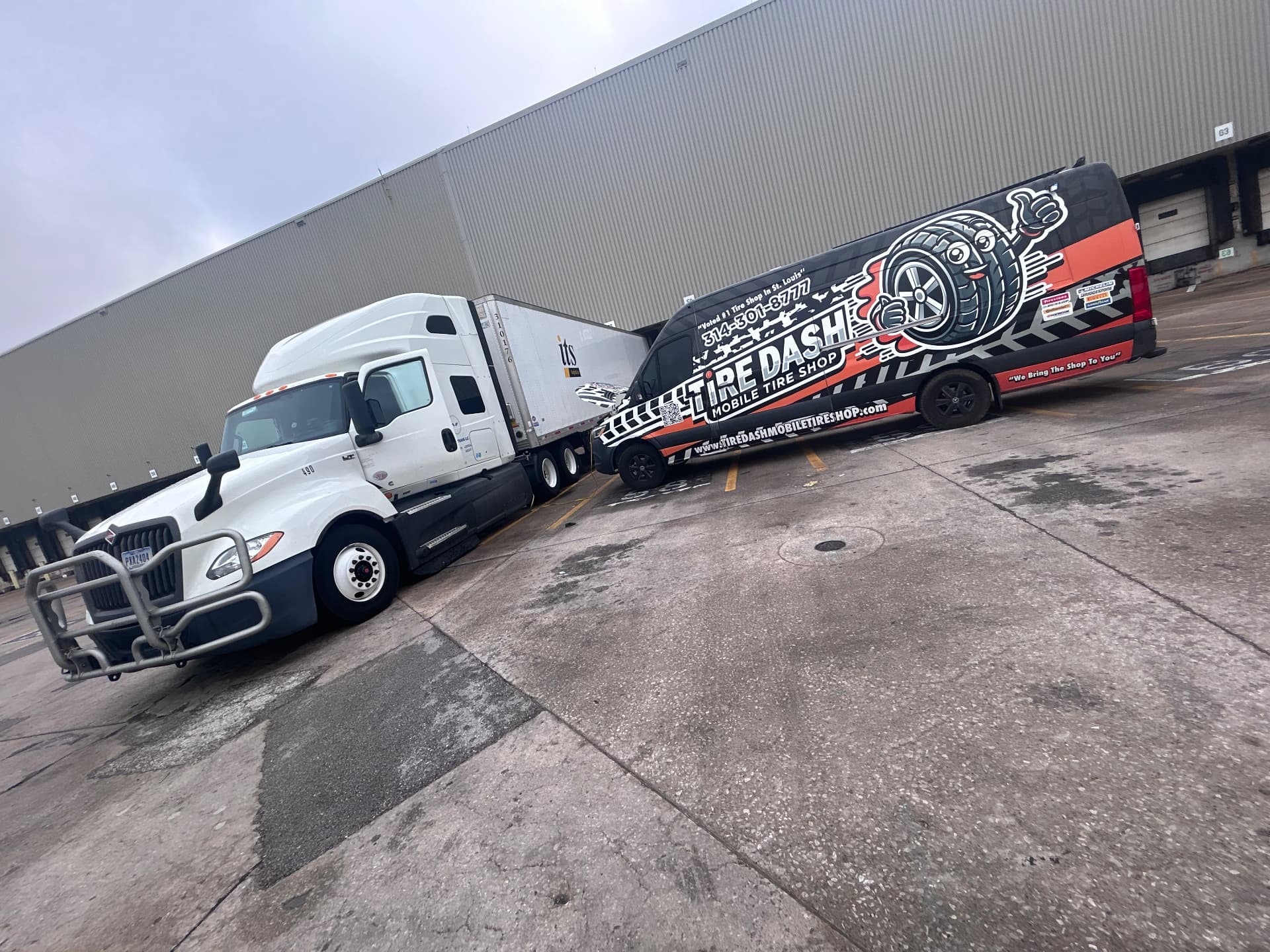
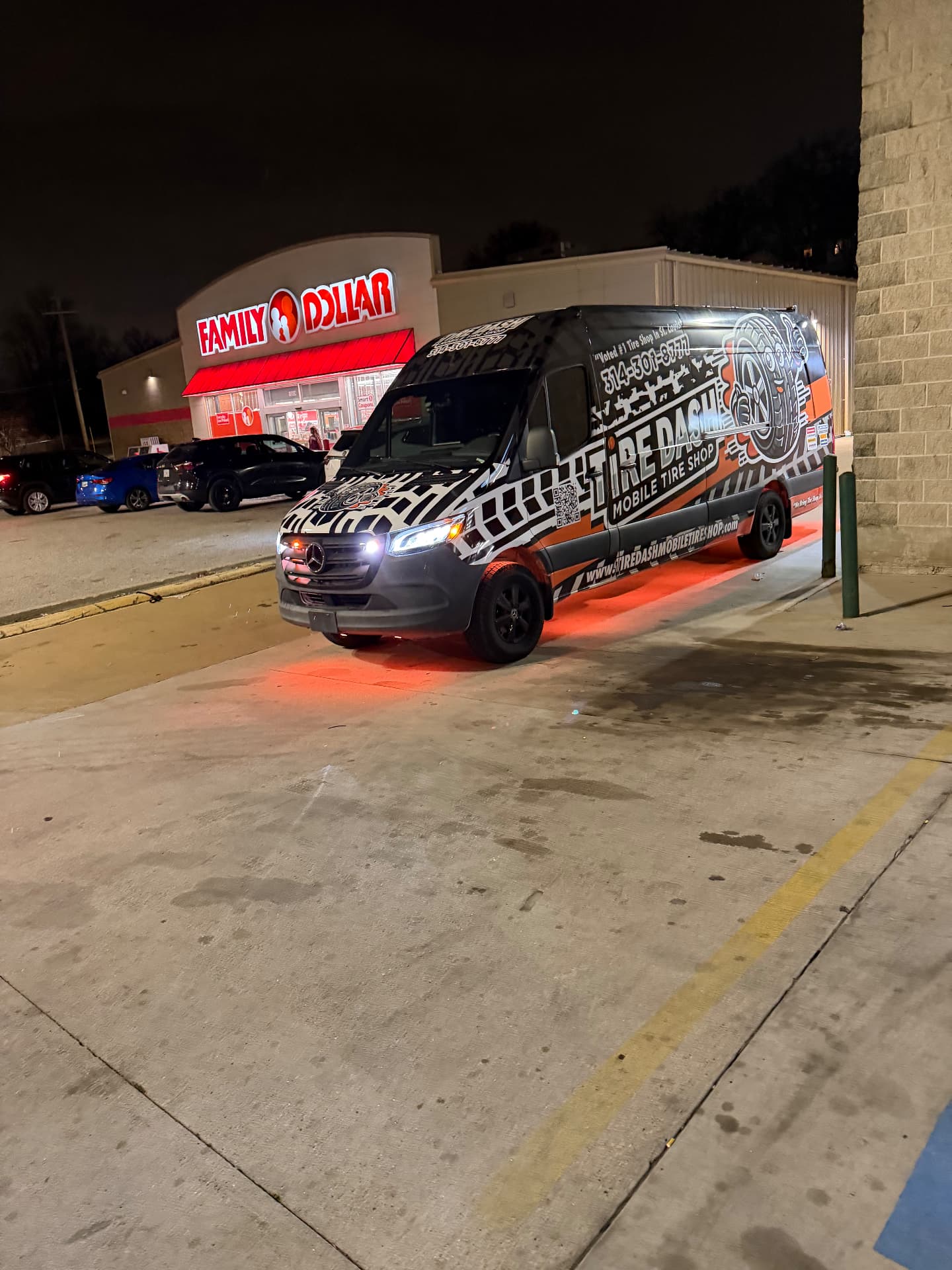
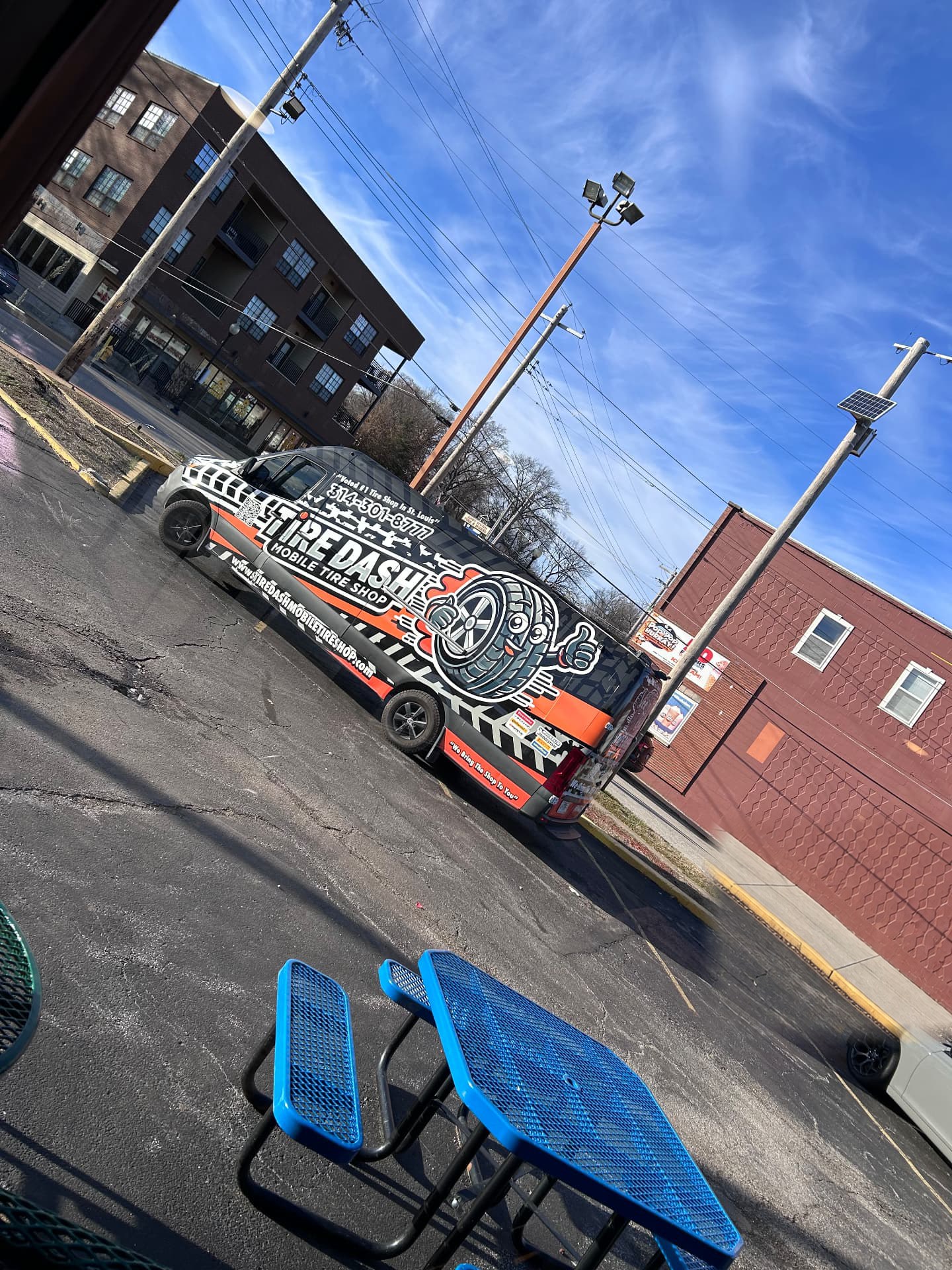
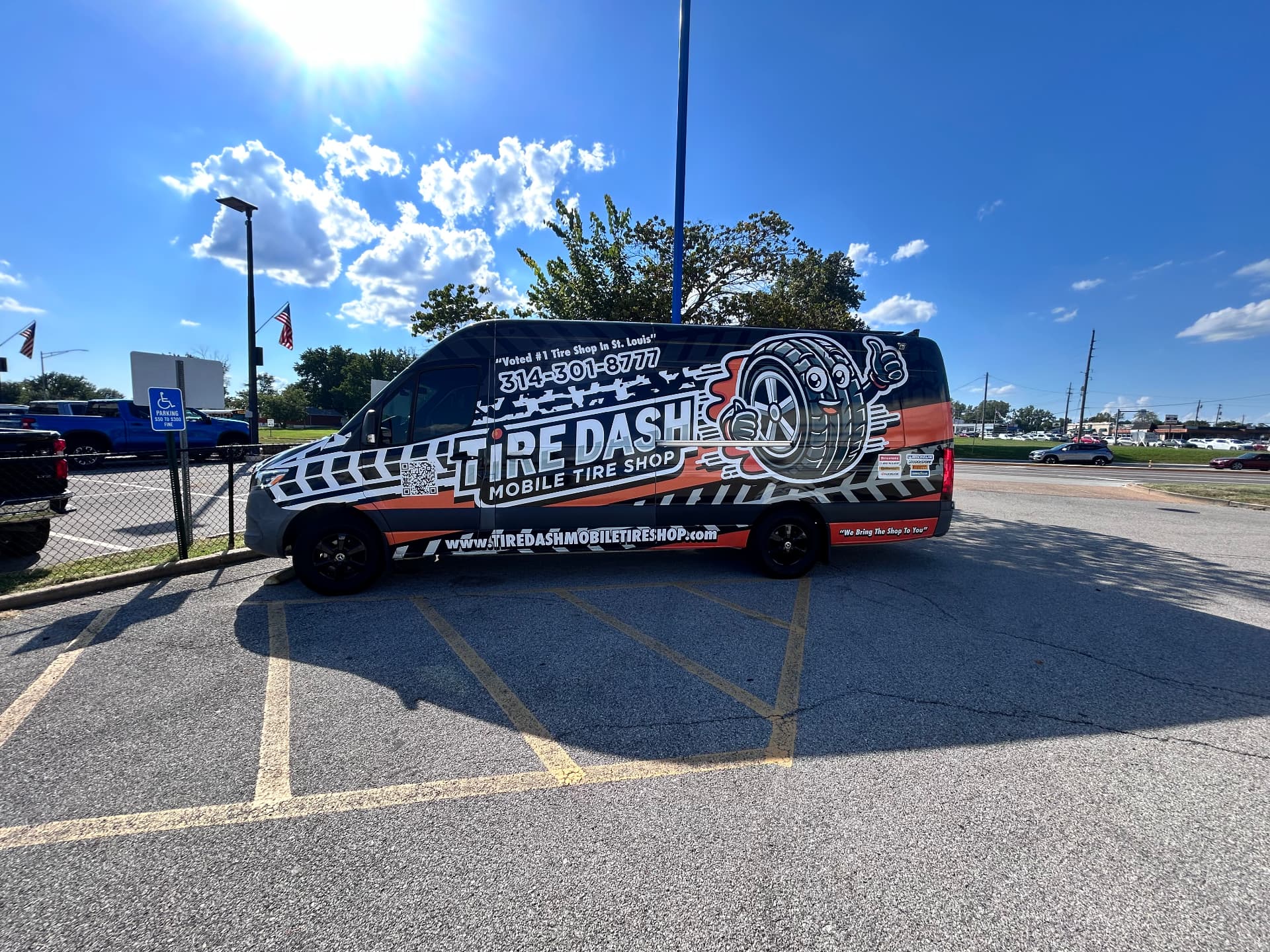
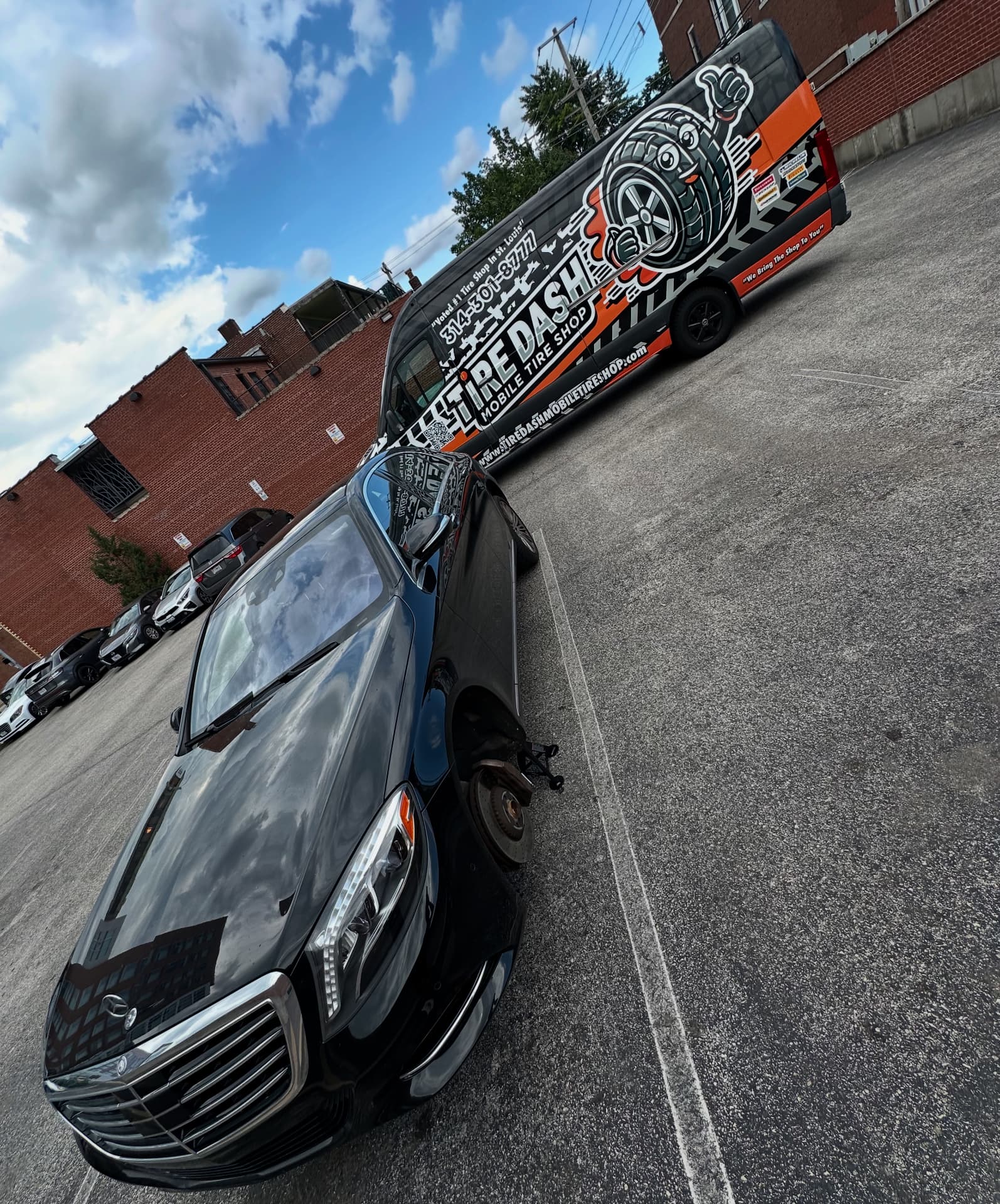
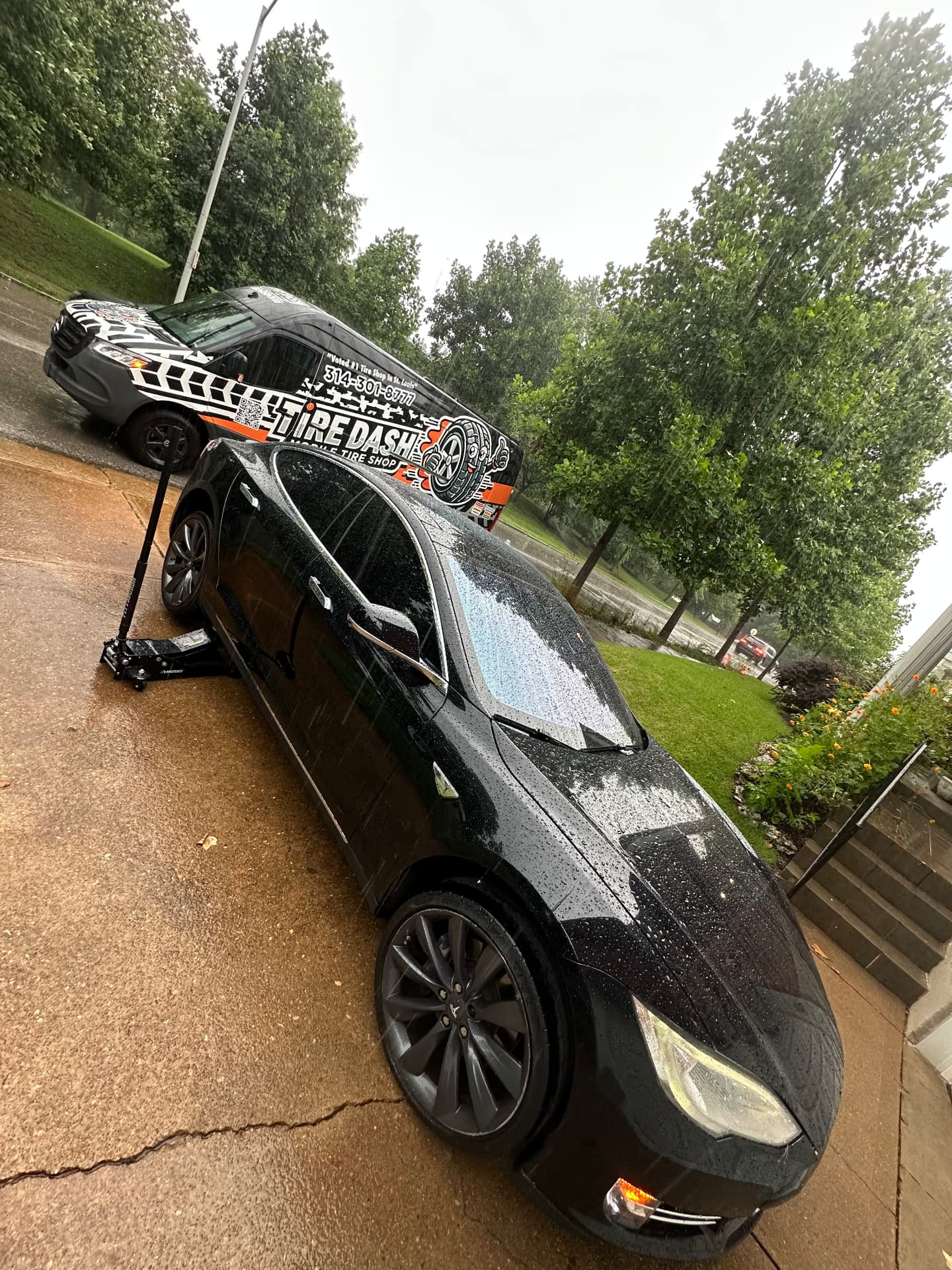
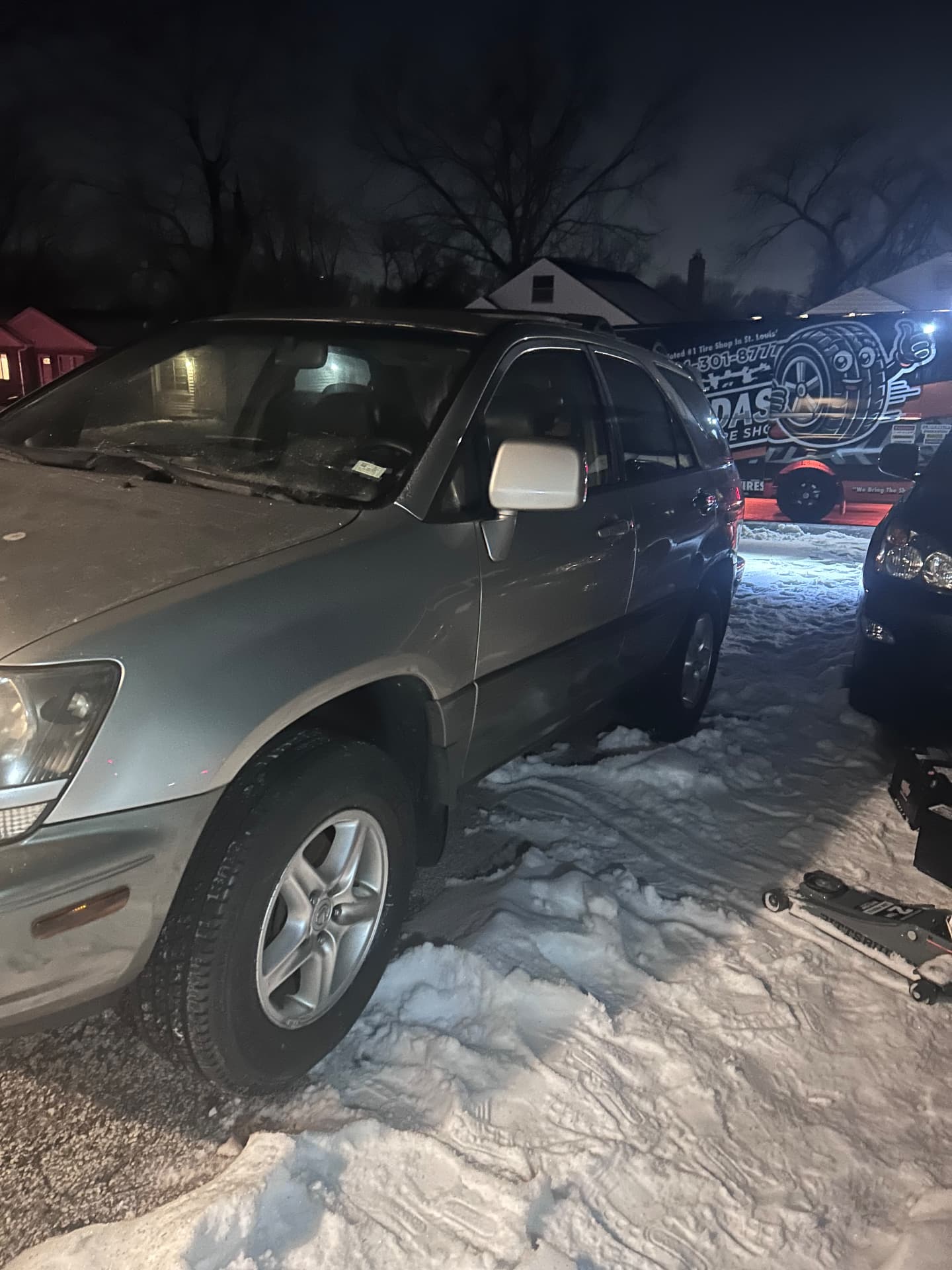
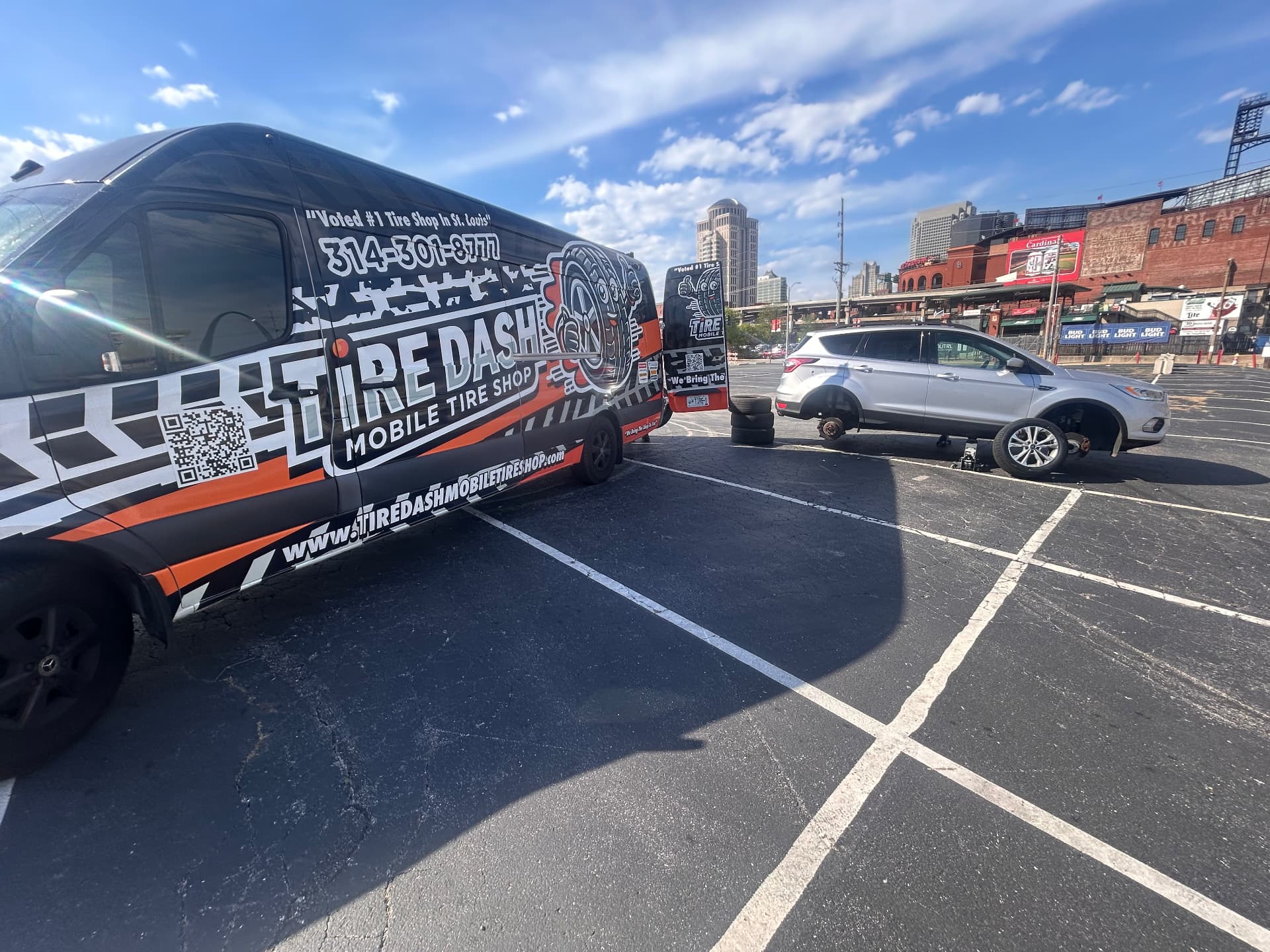
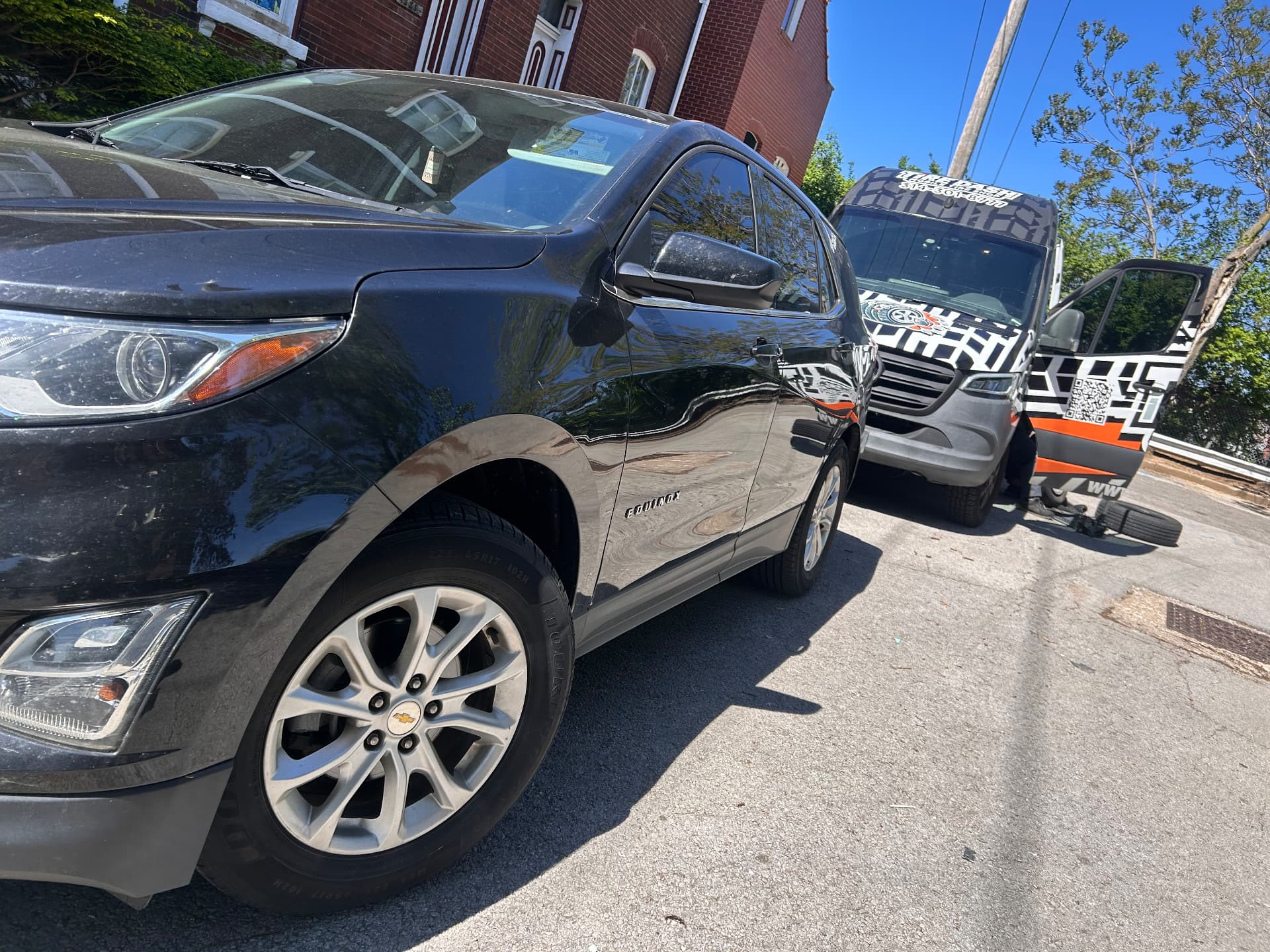
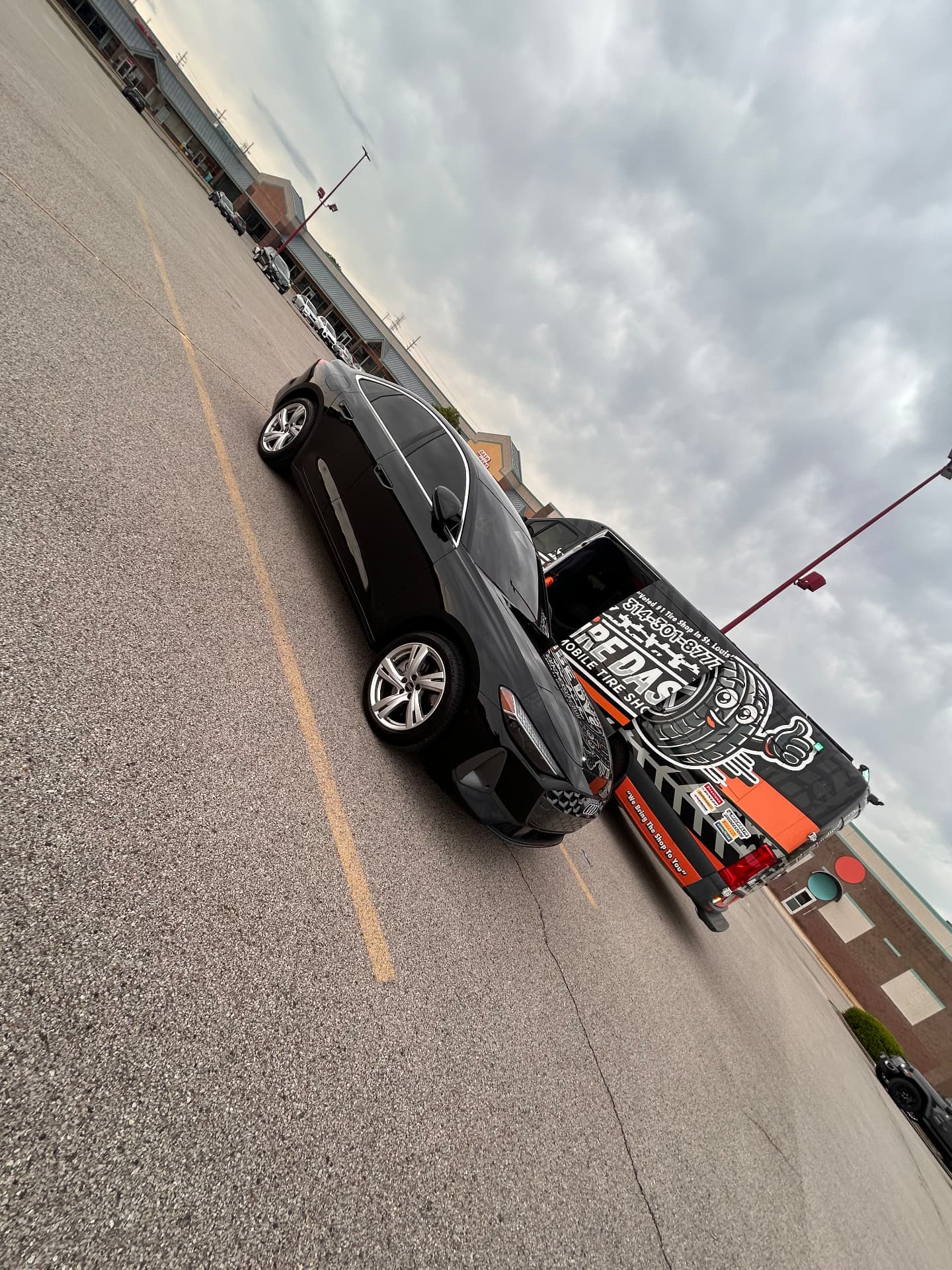
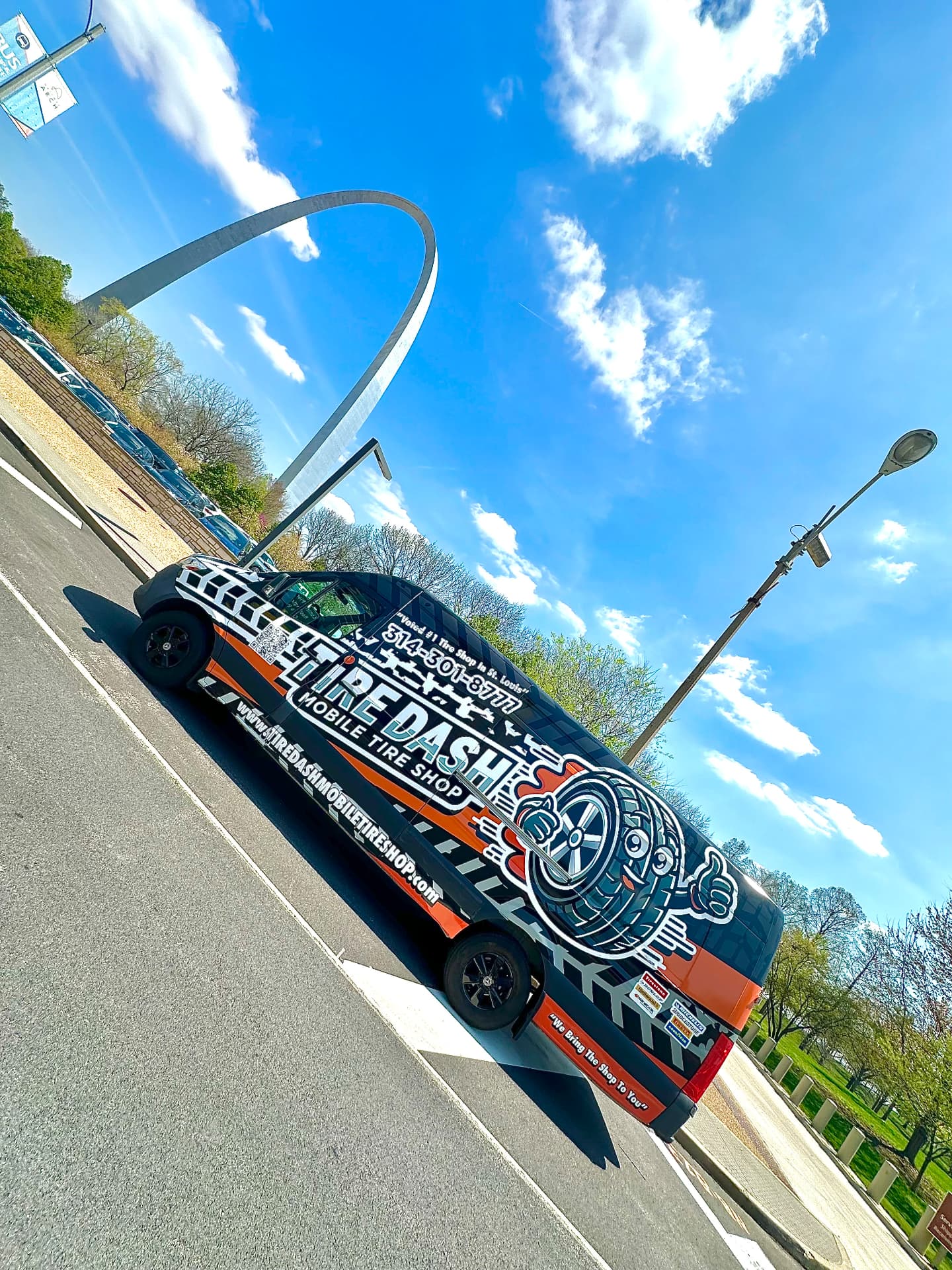
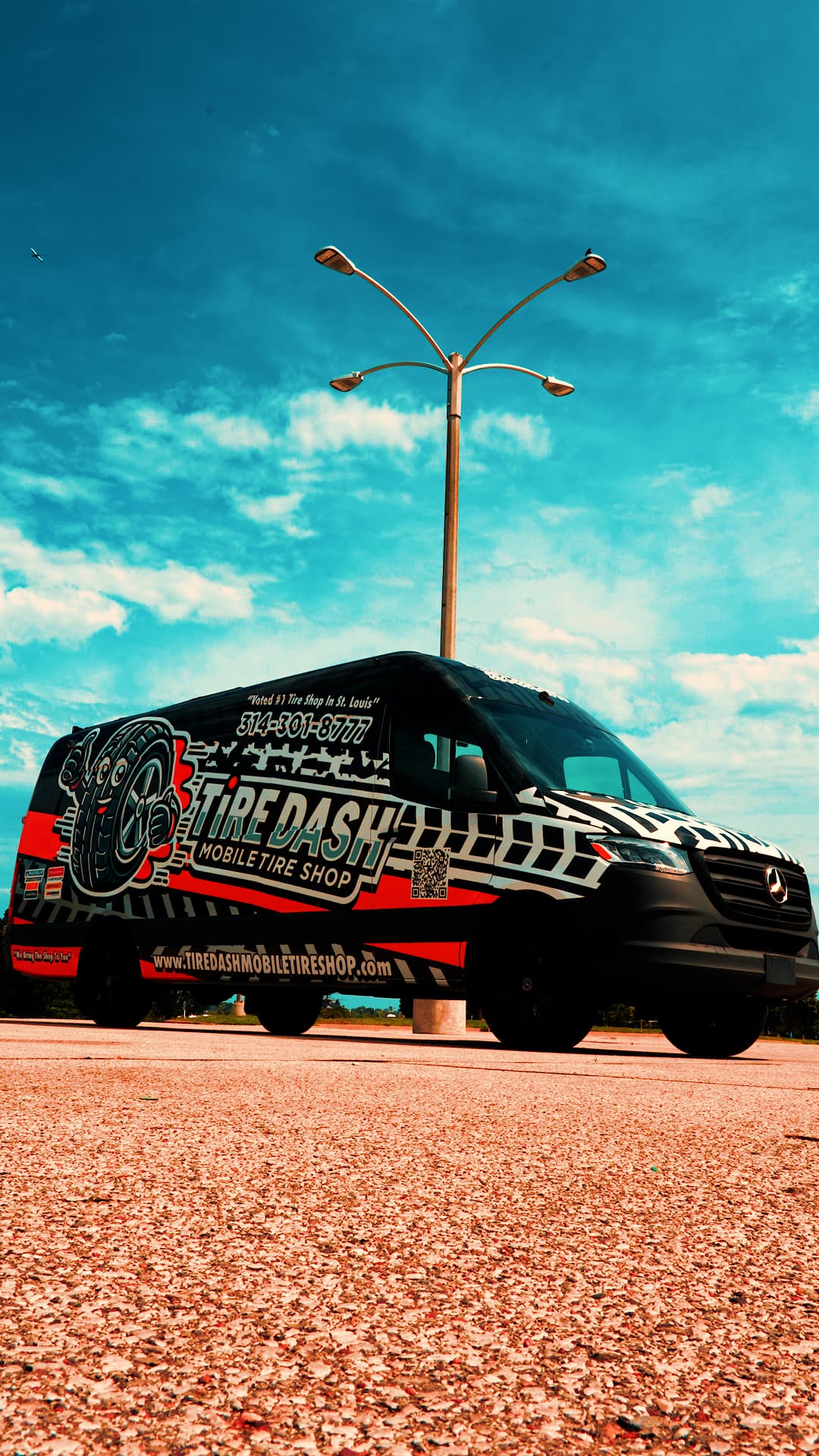
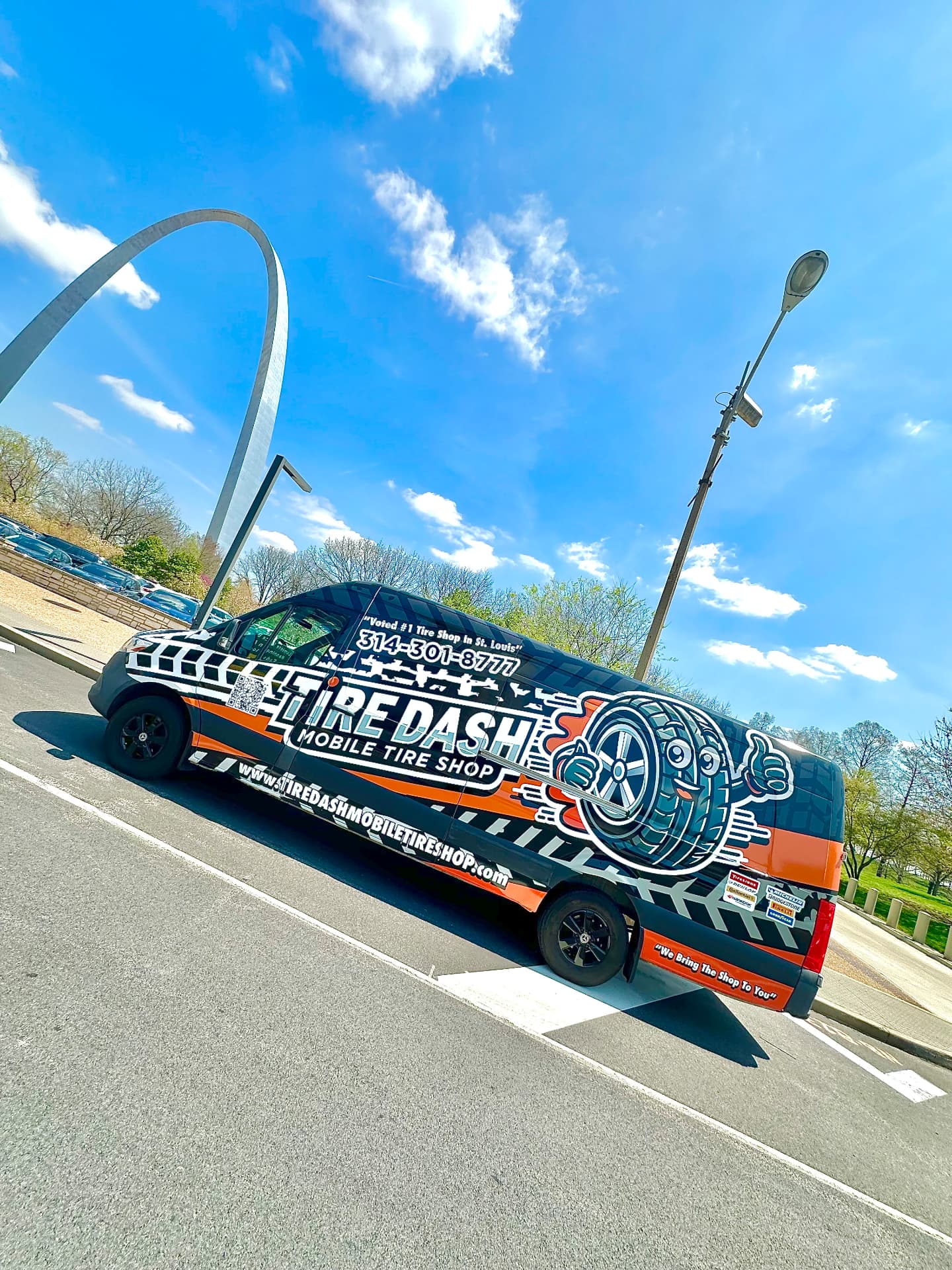
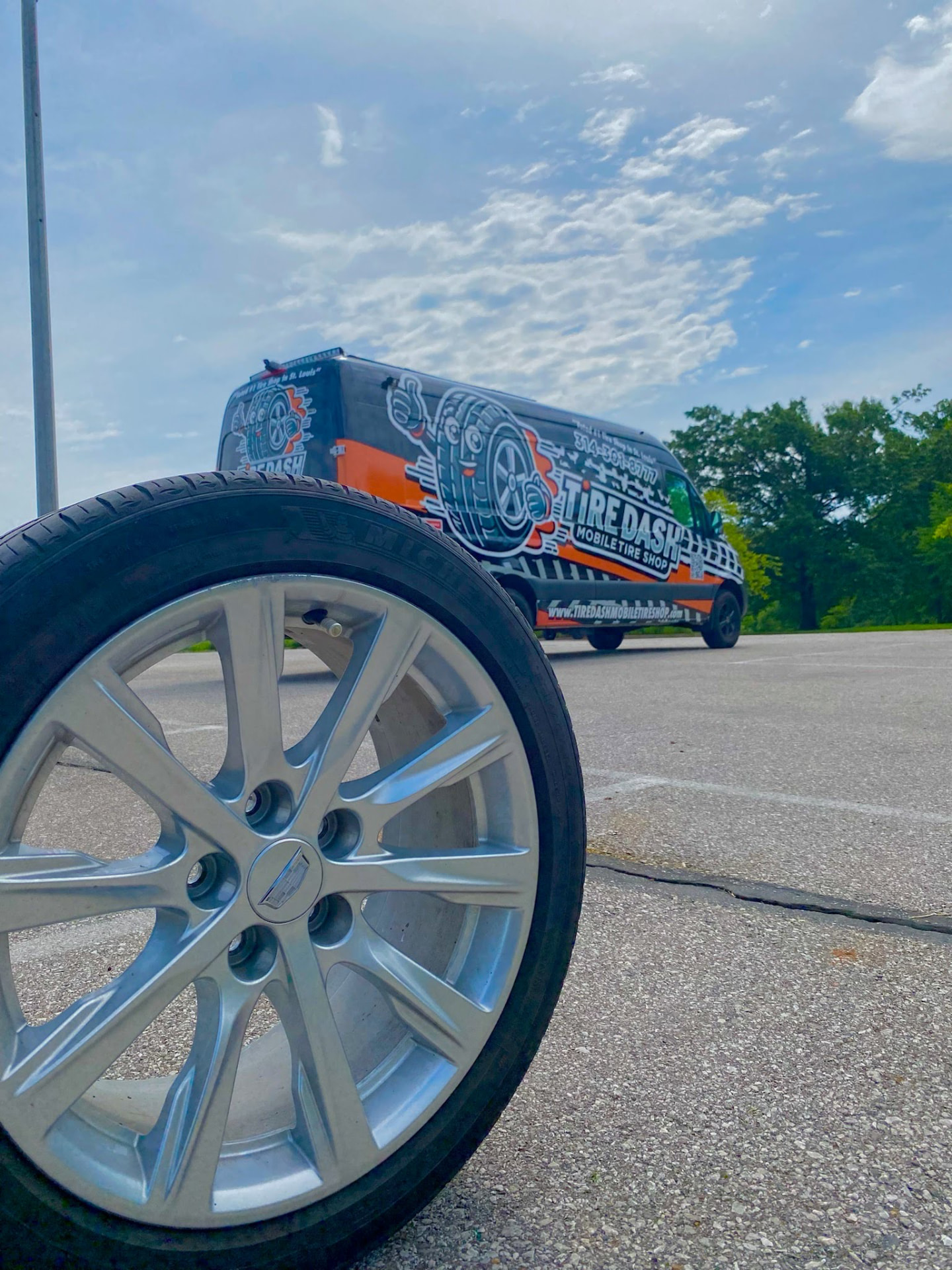
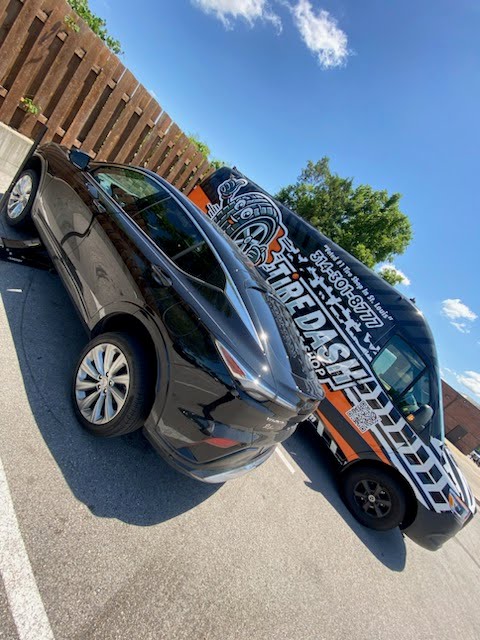
Service photographs include text alternatives describing the real image. The decorative header video is hidden from screen readers because the page heading and written content carry the service information. These choices do not make a picture or video a diagnostic assessment. For a flat tire or battery problem, describe the symptoms by phone or text instead of depending on visual content alone.
Reading preferences and language choices
Use your browser's zoom and device text settings when larger text helps. Focus indicators identify the active control during keyboard navigation. Motion-reduction preferences pause or reduce supported decorative movement, including the header video and moving photo strip. Some third-party pages or media can behave differently. Report content that becomes obscured, difficult to reach or unreadable with your preferred settings.
Language choices in the website footer can open the current public page through Google Translate in a separate tab. Translation is provided by an outside service, not a human Tire Dash interpreter. The selected page address is sent to Google when you activate translation. Machine translations can change technical or legal meaning; confirm tire specifications, prices, safety instructions and agreements directly before relying on translated wording.
Outside services and reporting a barrier
Square booking, map services and your phone's messaging or email app are outside website controls with their own accessibility behavior. The location popup lets you type an address instead of granting GPS and review the text before sending it yourself. If an outside booking or map service is difficult to use, contact Tire Dash to discuss the request; this notice cannot guarantee changes to another provider's service.
When reporting a barrier, include the page address, control or information involved, device/browser and assistive technology if you wish, and what you expected to happen. That description helps identify the issue without requiring a screenshot or medical history. The business can review the concern and discuss alternatives, but this notice does not establish a guaranteed repair deadline or represent that every existing page has passed an accessibility audit.
Accessibility & Languages: local questions
Can a blind St. Louis visitor contact Tire Dash without a form?
Yes. The published phone and email contacts provide other ways to discuss service. Tell the business the vehicle, symptoms and safe stopped location. Online booking is not the only contact option, and you do not need to interpret a service photograph to describe a request.
How can I bypass the repeated navigation with a keyboard?
Use the Skip to main content link at the start of keyboard navigation. It moves focus to the page's main area so you can continue through the current content. The navigation and footer remain available when you want to return to another page or contact control.
Are service photos described for screen-reader users?
Uploaded service photographs have descriptive text alternatives. Decorative header video is not announced as essential content; the visible heading and written service guidance provide the context. These descriptions are not a vehicle diagnosis or evidence that every pictured service is available for your exact request.
Can the service menu be reached without hovering a mouse?
Keyboard focus can reveal the desktop submenus, and the phone menu has named controls that open its sections. Move between links with your keyboard or assistive technology. Report a menu item that cannot be reached on your setup so the specific access barrier can be reviewed.
Can I enlarge the text for low-vision reading?
Use browser zoom or device text preferences. No separate paid overlay is required to read the page. If zoom causes an important label, link or service detail to become hidden or overlap, report the page and setting so the issue can be investigated.
What happens when I request reduced motion on my device?
Supported decorative movement is reduced or paused, including the header video and moving photo strip. Browser and third-party behavior can differ. The service content and contact links remain available without depending on animation; report any movement that interferes with your ability to use the page.
How do I read a Missouri service page in another language?
Choose a language in the footer and activate Translate page. The current public page opens through Google Translate in a separate tab. That external service receives the page address and supplies an automated translation rather than a reviewed translation from Tire Dash.
Are translated tire specifications and legal terms guaranteed accurate?
No. Automated translation can change specialized wording and numbers. Confirm safety instructions, tire fitment, battery requirements, quotes and agreements directly before relying on them. The language selector does not guarantee a human interpreter or that every outside booking page will translate successfully.
What if Square or a map is inaccessible on my device?
Contact Tire Dash to discuss the service through another available channel. Square and mapping services are outside providers whose controls may differ from this website. Describe the barrier without sending account passwords; this page does not promise the business can modify another provider's interface.
Does this page certify complete accessibility compliance?
No certification or completed professional audit is claimed. This notice explains current access options and invites reports of specific barriers. Contact info@tiredashmobiletireshop.com with the page and issue; a report helps review but does not establish a fixed response or remediation deadline.
Related services & local pages
Real jobs. Real van.
Tire Dash on the Road
Stuck with a flat right now?
Get to a safe spot, then call. We bring the tire shop to you.